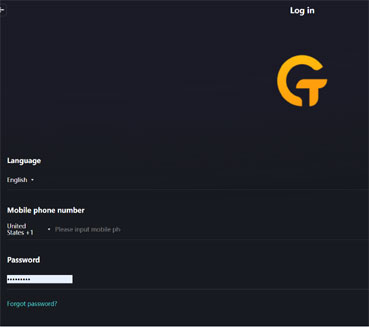
Click Here to Get Setup
This will open up in a different screen so you can refer back to this page as you proceed.
Loading ...
This will open up in a different screen so you can refer back to this page as you proceed.
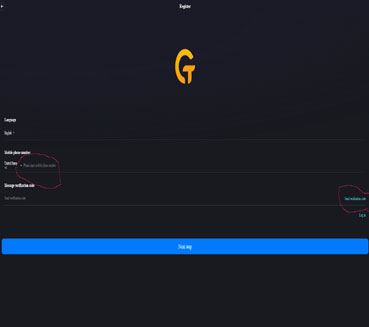
Put your mobile phone, without the dashes. It has to be a real cell number. Then click on send verification code on the right of the screen.
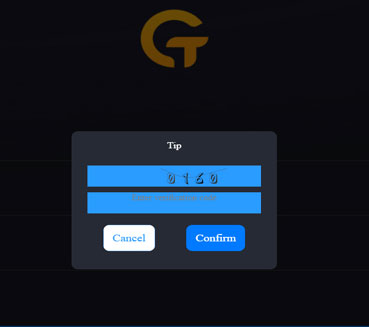
Type in the number into the space below the number, then click confirm to proceed.
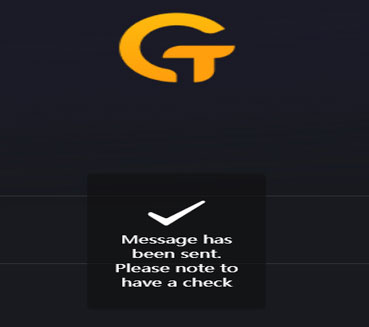
This screen will pop up for a second to say that it is sending a code to your cell phone.

Enter the code that was sent to your cell phone. This will time out after 50 seconds. Then click Next Step.
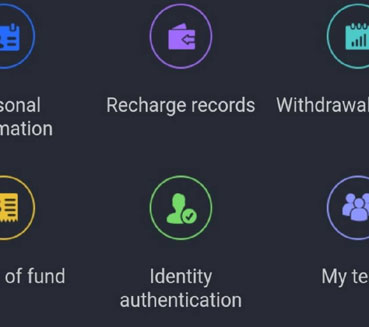
Submit your KYC (identity verification) documents - set up your Transaction Password and bind your withdrawal wallet address (if you already have a crypto wallet).SAVE ALL YOUR INFORMATION SUCH AS PASSWORDS, WALLET ADDRESSES, ETC. IN MULTIPLE SECURE LOCATIONS SUCH THAT IT IS IMPOSSIBLE TO LOSE THEM. Click on picture for video.